Created page with "{{info-nfip-sfip}}{{eq-proc-agent}} {{box-summary |color = blue |title = |text = This procedure explains how agents can submit requests to change or correct the building details on an NFIP policy. Most structural variables determine policy rating, so premium may be impacted. Supporting documentation may be required. }} {{img-proc-nofrm |file = File:Img-vector-change-Z.png |caption = Policy Changes require specific actions to meet federal guidelines }} {{clear}} == Pro..."
(7 intermediate revisions by the same user not shown)
Line 3:
Line 3:
|color = blue
|color = blue
|title =
|title =
|text = This procedure explains how agents can submit requests to change or correct the building details on an NFIP policy. Most structural variables determine policy rating, so premium may be impacted. Supporting documentation may be required.
|text = This procedure explains how agents can submit requests to correct the NFIP policy effective date. Supporting documentation may be required.
}}
}}
{{img-proc-nofrm
{{img-proc-nofrm
Line 16:
Line 16:
|content =
|content =
{{Box task
{{Box task
|image = Img-proc-change-strvar-section.png
|image = Img-proc-actions-change-coverage.png
|size = 300px
|size = 200px
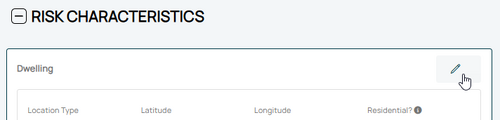
|caption = Scroll to the Risk Characteristics in the Policy Record.
|caption = Use the "Policy Changes" menu along the right side of the page.
|text = <big>'''Open the [[Policy Record]] to start'''</big><br>
|text = <big>'''Open the [[Policy Record]] to start'''</big>
Scroll down to the "Risk Characteristics" section manually. <br>
* Find the '''Policy Actions''' block on the right
''There is no navigation option in the '''Policy Actions''' menu.''
* Choose '''Change Effective Date'''
An [[Policy Documents|uploaded document]] that requests a correction to the Effective Date is also acceptable.
}}
}}
<!-- END OF COLLAPSIBLE SECTION -->
<!-- END OF COLLAPSIBLE SECTION -->
Line 27:
Line 28:
{{collapsible-section
{{collapsible-section
|number = 2
|number = 2
|title = 2. Edit Risk Characteristics
|title = 2. Select New Effective Date
|content =
|content =
<big>Use the '''Edit button''' (pencil icon) in the upper right of the '''Risk Characteristics''' section.</big><br>
<big>Use the '''Edit button''' (pencil icon) in the upper right of the '''Risk Characteristics''' section.</big><br>
Line 48:
Line 49:
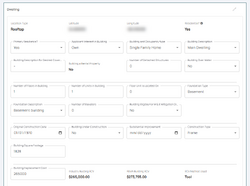
* The collapsed table below shows a sortable list of all fields.
* The collapsed table below shows a sortable list of all fields.
}}
}}
{{Docs-req|'''Changes:''' proof of a change to the building, such as a photograph.}}
{{Docs-req|An agent statement that the item was incorrect on the original application.}}
{{Docs-req|'''Corrections:''' an agent statement that the item was incorrect on the original application.}}
{{attention|'''Changes:''' the effective date is '''the date the change occurred''' (the event date). <br>'''Corrections:''' the effective date is '''the policy inception date'''.}}
{{table-structural-variables}}
<div style="margin-top:10px;">'''Once all details are entered, click the "Save" button (move to Step 3 below).'''</div>
<div style="margin-top:10px;">'''Once all details are entered, click the "Save" button (move to Step 3 below).'''</div>
<!-- END OF COLLAPSIBLE SECTION -->
<!-- END OF COLLAPSIBLE SECTION -->
Line 57:
Line 55:
{{collapsible-section
{{collapsible-section
|number = 3
|number = 3
|title = 3. Choose Effective Date
|title = 3. Review and Submit
|content =
{{Img-proc-free
|style = padding-top: 1em
|file = Img-proc-change-insured-eff-date.png
|size = 700px
|caption = Choose "None" for the Waiting Period and select the appropriate Policy Change Effective Date.
}}
Scroll to the top of the page to enter the effective date.
* Choose "None" from the [[Waiting Periods|Waiting Period]] dropdown box.
* Determine and enter the appropriate date based on whether this is changing a building detail or correcting it.
'''''The Coverage Change cannot be completed without choosing an effective date.'''''
<!-- END OF COLLAPSIBLE SECTION -->
}}
{{collapsible-section
|number = 4
|title = 4. Review and Submit
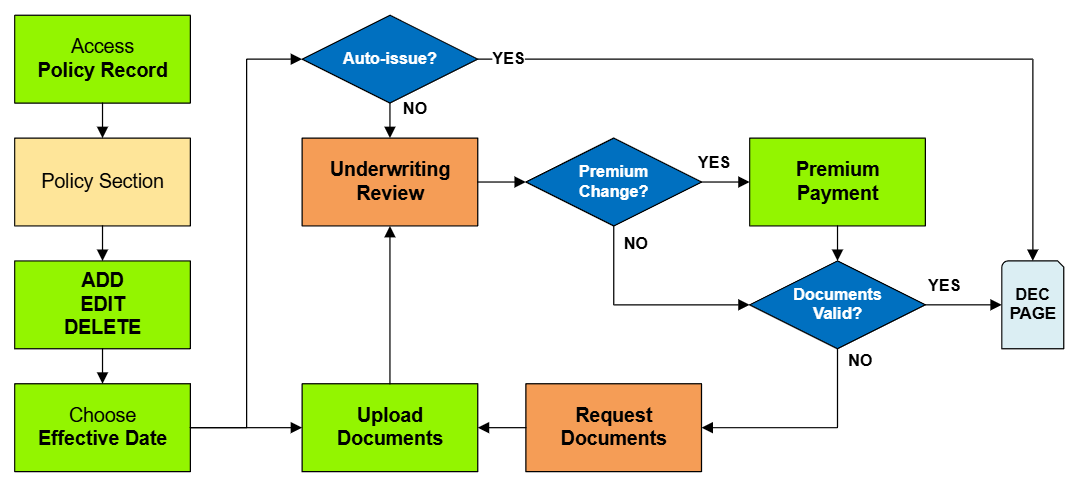
|content = Review the changes for accuracy and completeness before finalizing.<br>
|content = Review the changes for accuracy and completeness before finalizing.<br>
Once the effective date is entered, a pro-rated premium amount might be displayed.
Once the effective date is entered, a pro-rated premium amount might be displayed.









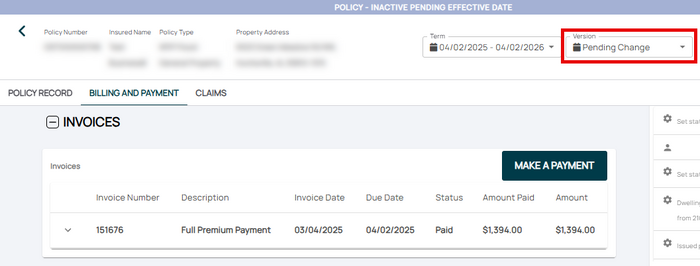 If necessary, the agent can submit a payment on the Billing and Payment page.


