(One intermediate revision by the same user not shown)
Line 28:
Line 28:
{{collapsible-section
{{collapsible-section
|number = 2
|number = 2
|title = 2. Select Effective Date
|title = 2. Select New Effective Date
|content =
|content =
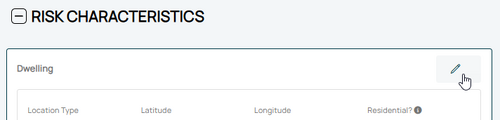
<big>Use the '''Edit button''' (pencil icon) in the upper right of the '''Risk Characteristics''' section.</big><br>
<big>Use the '''Edit button''' (pencil icon) in the upper right of the '''Risk Characteristics''' section.</big><br>
Line 49:
Line 49:
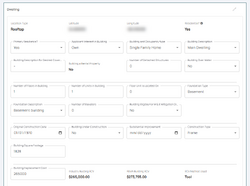
* The collapsed table below shows a sortable list of all fields.
* The collapsed table below shows a sortable list of all fields.
}}
}}
{{Docs-req|'''Changes:''' proof of a change to the building, such as a photograph.}}
{{Docs-req|An agent statement that the item was incorrect on the original application.}}
{{Docs-req|'''Corrections:''' an agent statement that the item was incorrect on the original application.}}
{{attention|'''Changes:''' the effective date is '''the date the change occurred''' (the event date). <br>'''Corrections:''' the effective date is '''the policy inception date'''.}}
{{table-structural-variables}}
<div style="margin-top:10px;">'''Once all details are entered, click the "Save" button (move to Step 3 below).'''</div>
<div style="margin-top:10px;">'''Once all details are entered, click the "Save" button (move to Step 3 below).'''</div>









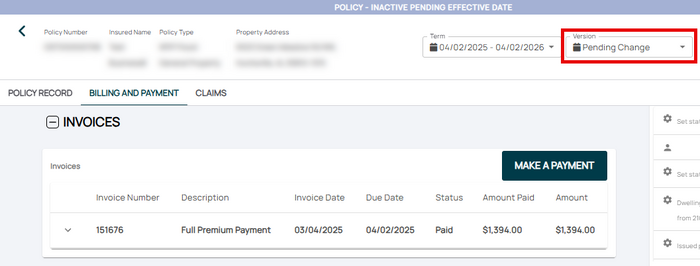 If necessary, the agent can submit a payment on the Billing and Payment page.


